9 min read
 Updated 9 November 2026
 Navigraph editorial
"Is Navigraph free?" is one of the most searched questions about the service, and the honest answer is: partly. Some parts of the Navigraph ecosystem cost nothing, others require a subscription, and a few things that people hope to get for free simply are not available that way. Understanding the difference saves you money, avoids frustration and keeps you away from the unofficial "free download" offers that circulate online.
This guide explains what a free Navigraph account includes, how the demo experience works, where SimBrief fits, what a paid plan adds, and how to evaluate the service sensibly before you commit.
The short answer
- Creating a Navigraph account is free.
- The Navigraph Charts application is free to download on desktop, mobile and in the browser.
- Without a subscription, Charts runs with limited demo access, enough to explore the interface and understand how it works.
- SimBrief can be used with a free Navigraph account to generate flight plans.
- Current navigation data and the full chart library require a paid subscription.
Prices are not listed in this guide because they change over time and vary by region and tax. The official Navigraph pricing page always shows current plans.
What a free Navigraph account gives you
A Navigraph account is the identity that ties everything together. Even without a subscription, the account is useful.
Access to the applications
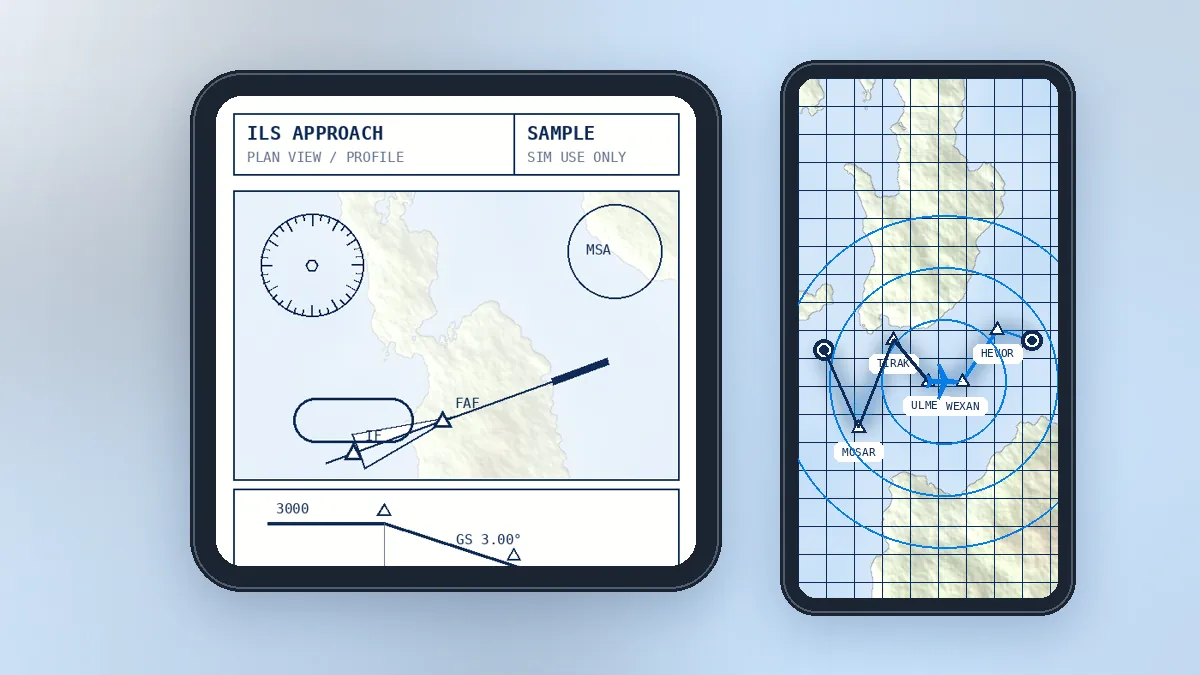
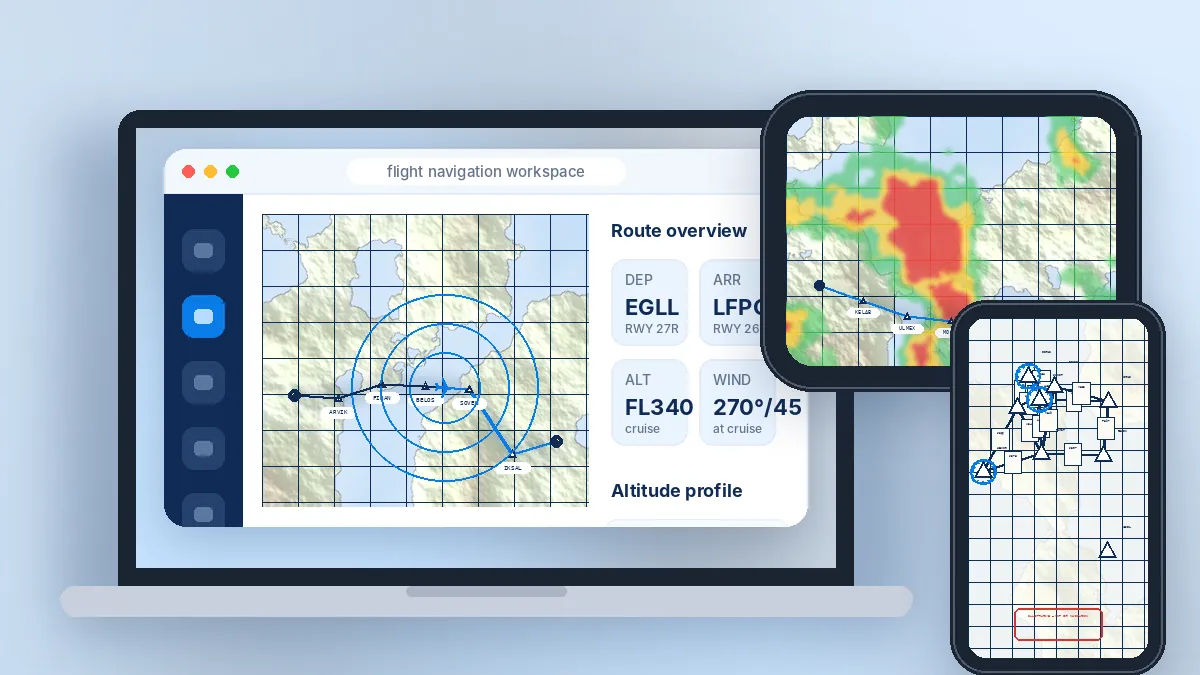
You can install Navigraph Charts on Windows, macOS, iPad, iPhone or Android, or open it in a browser at charts.navigraph.com, and sign in with your free account. The interface, map, search and layout are all available to explore, so you can judge whether the application suits your setup before paying for anything.
Demo access in Navigraph Charts
Navigraph has long offered demo access when you sign in without a subscription. The exact scope of the demo has changed between versions — sometimes it focuses on a set of airports, sometimes on certain features — so treat it as a preview rather than a complete free tier. Its purpose is to let you experience how charts, the map and planning tools behave.
Your SimBrief identity
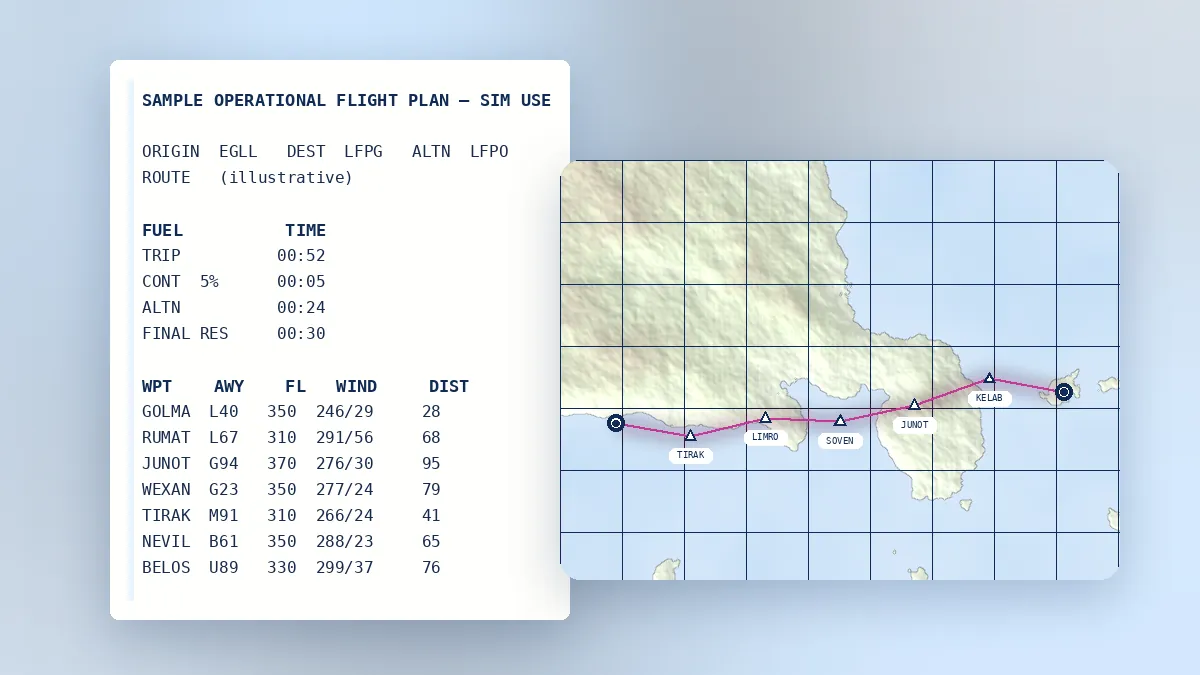
SimBrief, the flight planning service that Navigraph acquired, uses Navigraph accounts for sign-in. That means a free Navigraph account is also your key to SimBrief. You can generate detailed operational flight plans, including routes, fuel estimates and weights, without a Navigraph subscription. Read our SimBrief Navigraph guide for the full workflow.
Community and support resources
The community forum, FAQs and documentation are open to everyone. If you are deciding whether to subscribe, browsing the forum for your simulator and aircraft is one of the most useful things you can do.
What requires a subscription
Navigraph’s core value — current, consistent data — is part of the paid plans. There are two main subscriptions for the simulation community.
Navigation Data subscription
A Navigation Data subscription keeps the navigation database in your simulator and supported add-on aircraft current with the AIRAC cycle. It includes access to the data installers — Navigraph Hub for Microsoft Flight Simulator and FMS Data Manager for X-Plane, Prepar3D and FSX. It does not include the full Navigraph Charts experience.
Navigraph Unlimited
Navigraph Unlimited (previously called Ultimate) includes navigation data plus the complete Charts experience: the worldwide chart library, moving maps, weather and traffic overlays and other chart-related features, together with SimBrief integration features such as importing flight plans into Charts. Monthly and yearly billing options have been offered.
| Capability | Free account | Navigation Data | Navigraph Unlimited |
|---|---|---|---|
| Navigraph account and SimBrief sign-in | Yes | Yes | Yes |
| Charts app download and demo | Yes | Yes | Yes |
| Current AIRAC navigation data | No | Yes | Yes |
| Full worldwide chart library | No | No | Yes |
| Moving maps on charts | No | No | Yes |
| Charts route import from SimBrief | No | No | Yes |
This table summarises the general structure. Confirm current plan contents on the official website before purchasing.
Why Navigraph is not entirely free
It is worth understanding why the service is subscription-based. Navigation data and charts are licensed content. Navigraph sources its data from Jeppesen and processes it into dozens of formats for simulators and add-on aircraft every 28 days. That is ongoing work: each AIRAC cycle introduces changed procedures, new waypoints and retired navaids, and each add-on format needs to be generated and tested.
Navigraph’s licence is also personal and non-transferable. A subscription gives you, as an individual, the right to use the data and charts for flight simulation for the duration of the subscription. This is why shared accounts and redistributed data packages are not allowed.
The risk of "Navigraph free download" offers
Search results for free Navigraph access sometimes lead to file-sharing sites offering "cracked" data packages or account details. Avoid them, for several reasons:
- Security. Executables and archives from unofficial sources can contain malware. Installing navigation data often involves writing into simulator folders, which makes it an attractive target.
- Outdated or broken data. Packages that are passed around are frequently old cycles or the wrong format for your aircraft, causing missing procedures or FMC errors.
- Account risk. Shared credentials can be revoked at any time and may expose you to phishing.
- Licensing. Using redistributed data breaches the terms under which the data is licensed.
Everything you need — the applications, the data tools and the demo — is available from navigraph.com and the official app stores.
Legitimate free alternatives for some tasks
Being honest about free options helps you decide whether you really need a subscription.
Default simulator data
Modern simulators include their own navigation databases. Microsoft Flight Simulator, for example, receives navigation updates through the simulator itself. For casual flying, sightseeing or VFR trips, default data may be perfectly adequate.
Official publications from some countries
Several aviation authorities publish their aeronautical information publications (AIPs) online at no cost, including airport and procedure charts. Coverage, format and ease of use vary widely between countries, and the charts are designed for real-world operations — which means they come with their own terms of use. For simulation, they can be a useful supplement for specific regions.
Free community chart tools
Community-run chart aggregators and planning tools exist and are popular with budget-conscious simmers. They differ from Navigraph in coverage and in how closely the charts match the data inside your aircraft.
The key difference with Navigraph is consistency: the same source for data and charts, worldwide, in one format, integrated with the simulator, add-ons, moving maps and SimBrief. Whether that consistency is worth a subscription depends on how you fly.
Who benefits most from paying
A subscription delivers the most value if you:
- fly online with VATSIM or IVAO, where controllers issue current real-world procedures;
- use study-level add-on aircraft with their own FMS databases that need updating;
- fly instrument procedures regularly and want worldwide approach charts;
- want moving maps on a tablet or second screen;
- plan in SimBrief and want routes to flow straight into Charts and the aircraft.
If you mostly fly VFR around familiar areas, or you fly occasionally and do not use online ATC, the free account plus default simulator data may be enough for now.
How to evaluate Navigraph before subscribing
You do not have to decide blindly. A sensible evaluation looks like this.
1. Create a free account and install Charts
Install the Charts app on the device you would use during flight, or open the browser version. Explore the interface, the map and search. Ask yourself whether the layout works with your monitor, tablet or VR setup.
2. Plan a flight in SimBrief
Generate an operational flight plan for a route you fly often. Look at the route, the fuel figures and the OFP layout. If you find the plan useful, the connection to Charts will likely appeal to you too.
3. Check your aircraft’s support
Look up your favourite add-on aircraft in the official Navigraph compatibility information and on the forum. If an aircraft you fly daily receives a dedicated data package, a subscription will have an obvious, immediate effect.
4. Consider a short subscription period
Monthly billing has long been available for Navigraph Unlimited. Using one month as a trial lets you experience moving maps, the full chart library and current data during real flights before deciding on a longer commitment. Always review the renewal settings on your account so you know what happens at the end of the period.
Making the most of the free tier
Even if you never subscribe, the free account can improve your simulator flying:
- Use SimBrief for realistic flight plans and fuel planning.
- Use the Charts interface in demo mode to learn how chart sets are structured.
- Read the official forum for setup advice relevant to your simulator.
- Practise reading charts from official public sources for regions where they are available, and apply the same briefing habits described in our Navigraph Charts guide.
Understanding AIRAC cycles and why current data matters
Much of the value behind a subscription comes down to the AIRAC cycle. AIRAC stands for Aeronautical Information Regulation and Control, an internationally agreed schedule that publishes changes to aeronautical information on fixed dates every 28 days. On each effective date, real-world authorities can introduce new waypoints, rename procedures, change altitude constraints or withdraw navaids.
Simulators ship with a snapshot of this information. As months pass, the snapshot drifts further from the real world. For a sightseeing flight that may not matter at all. For a flight on an online network it matters a lot: a controller can clear you for a departure that was published last month, and if your aircraft only knows last year’s procedures, the clearance simply does not exist in your FMC.
This is the gap a Navigation Data subscription closes. Each cycle, Navigraph processes updated data into the formats your simulator and add-ons expect, and the data tools install it in the right places. A free account cannot provide this ongoing update, because the work and the licensing are repeated every 28 days.
A realistic budget approach
If cost is the main concern, there are sensible ways to manage it without resorting to unofficial sources:
- Start free. Use a free account, SimBrief and default simulator data until you know how you like to fly.
- Subscribe for focused periods. If you fly intensively during certain months — a holiday, a long online event season or a new aircraft release — a shorter subscription can cover exactly that period.
- Choose the plan that matches your needs. If you only need current aircraft databases and already have a chart source you are comfortable with, a Navigation Data plan may be enough. If you want charts, moving maps and SimBrief integration in one place, Navigraph Unlimited is the complete option.
- Review renewals. Check your account settings so you know when a subscription renews and how to change it.
Choosing deliberately keeps the cost proportional to how much value you get from the service.
Frequently asked questions
Is there a permanent free version of Navigraph Charts?
The application is free to download and use with demo access, but the full chart library is part of a paid subscription.
Does a free account include navigation data?
No. Current AIRAC navigation data for simulators and add-ons requires a Navigation Data or Navigraph Unlimited subscription.
Can I use SimBrief without paying?
Yes. SimBrief signs in with a Navigraph account, and generating flight plans does not require a Navigraph subscription. Some integration features between SimBrief and Charts are part of Navigraph Unlimited.
What happens to my data when a subscription ends?
The access rules depend on the product and version. Check the official FAQ for how installed data and downloaded charts behave after a subscription ends.
Is it safe to download Navigraph from other websites?
No. Use only navigraph.com and the official app stores. Our download page explains which official tool you need for each simulator.
Key takeaways
- A Navigraph account, the Charts app download, the demo and SimBrief planning are available at no cost.
- Current navigation data and the full chart library are paid features, because they depend on licensed data processed every AIRAC cycle.
- Unofficial "free" downloads are a security and licensing risk, and often deliver outdated or broken data.
- Legitimate free alternatives exist for some tasks, but they do not offer the same consistency between charts, data and simulator integration.
- The best way to decide is to test the free tools with your own setup, then choose the plan that matches how often and how seriously you fly.
Final thoughts
Navigraph is free to try, free to explore and free to use with SimBrief, but its core strength — current, consistent charts and data — is a paid service. Start with a free account, test the applications with the setup you actually fly, and decide based on how often you fly procedures, use online ATC and rely on add-on aircraft. That way the decision is based on real use, not on a promise of something for nothing.